
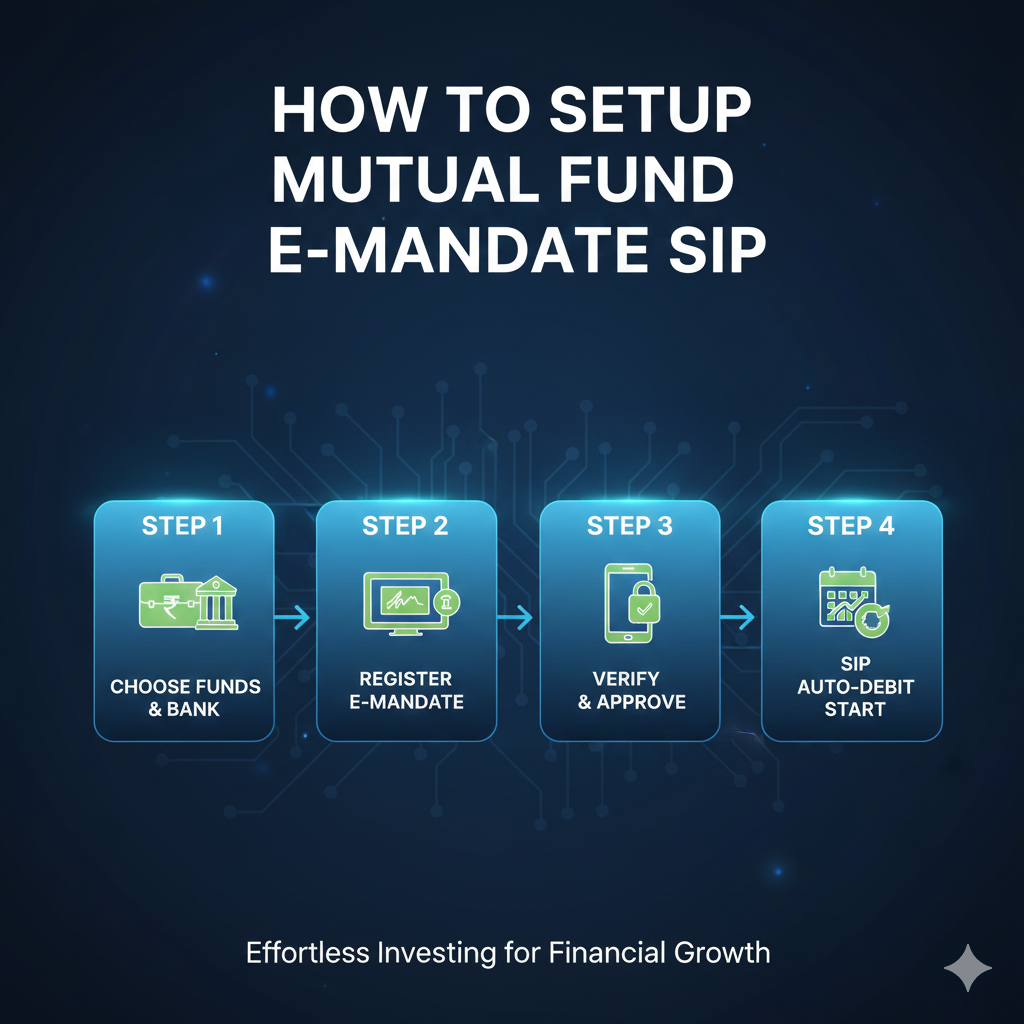
📌 How to Set Up a Mandate for Mutual Fund SIP
Setting up a mandate gives permission to auto-debit SIP amounts from your bank account 📅💳
1️⃣ Choose Where You’ll Invest
You can set up SIP on:
- 🏦 AMC website/app (Mutual Fund company)
- 📱 Investment platforms (Groww, Zerodha, Paytm Money, etc.)
- 💼 Bank investment portals
2️⃣ Enter SIP Details
You will fill in:
- 💰 SIP amount (₹500 / ₹1000 / ₹5000 etc.)
- 🔁 SIP frequency (Monthly / Weekly)
- 🗓️ Start date for SIP
3️⃣ Set Up Mandate (Auto-Debit Instruction)
You’ll get 2 options:
| Mandate Type | How It Works | ⏱️ Time |
|---|---|---|
| e-Mandate 🌐 | Authenticate via Net Banking / Debit Card | 1–3 days |
| NACH Mandate 📝 | Sign physical form & submit to AMC | 7–20 days |
You must set:
- Max Mandate Limit — should be higher than SIP amount (ex: ₹1000 SIP → set ₹5000 limit)
- Mandate Validity — long duration recommended (20–30 years)
Tip ⭐: Max limit is not what will be deducted. Only your SIP amount gets auto-debited.
4️⃣ Bank Approval 🔐
Your bank verifies the mandate:
- You’ll get SMS/email once approved
- SIP auto-debits will start from the next scheduled date
5️⃣ First Installment Option
Choose either:
- 🚀 Pay immediately
- 🕓 Wait for mandate activation
📝 What You Need
- ✔ PAN & Aadhaar KYC completed
- ✔ Bank account with mobile number linked
- ✔ Net banking or debit card for authentication
💡 Pro Tips for Smooth Activation
- ✍️ Signature must match bank records (for paper mandates)
- 📌 Keep enough balance on SIP date
- 🔄 Use bank account that you plan to keep active for years
- 🔓 Enable e-mandate permissions on your net banking if required
❌ If Mandate Fails
Check if:
- 🔁 Bank blocked auto-debits for security
- 🔐 Debit card is not enabled for recurring payments
- ❌ Incorrect signature or insufficient balance during activation
You can always edit/update mandate later 👍